

Doors Castle
Tung Tung Sahur: Obby Challenge
Mega Parkour: Obby Escape Run

Find The Pets
Race Clicker: Tap Tap Game

Obby World: Squid Escape
Cubic Frontier: Zombie Robby

Digital Circus: Obby

Fortzone Battle Royale

Bank Heist
Vehicle Masters

Crazy Plane Landing

House of Celestina
Sharkosaurus Rampage
Obby: Pull a Sword

Cricket Superstar League

Sunset Bike Racing
Fisherman Life
Shape Shooter 3

Money Factory
Mini-Caps: Arena

Chibi Doll Dress Up & Coloring
Stickman Project

Obby: Boxer
Idle Sea Park
Coin Picker

Roglide: Slide & Match Blocks
Craft and Battle
Senya and Oscar vs Zombies
Merge Mine: Mobs Attack!

Web Slinging Race
Hill Racing

Uncle Hit: Punch the Dummy

Fly Me Hard
Forest Dump

Botanica: Greenhouse of Wishes

Idle Zoo

World Conqueror

Obby Parkour Race: Multiplayer

Sushi Break Dash
Epic Mine

CoinBlock Clicker

Sniper Master

Ludoteca
Blitz Tanks
Merge Pickaxe 2

Make Up Hole
Ad Fundum
Cougar Simulator: Big Cats
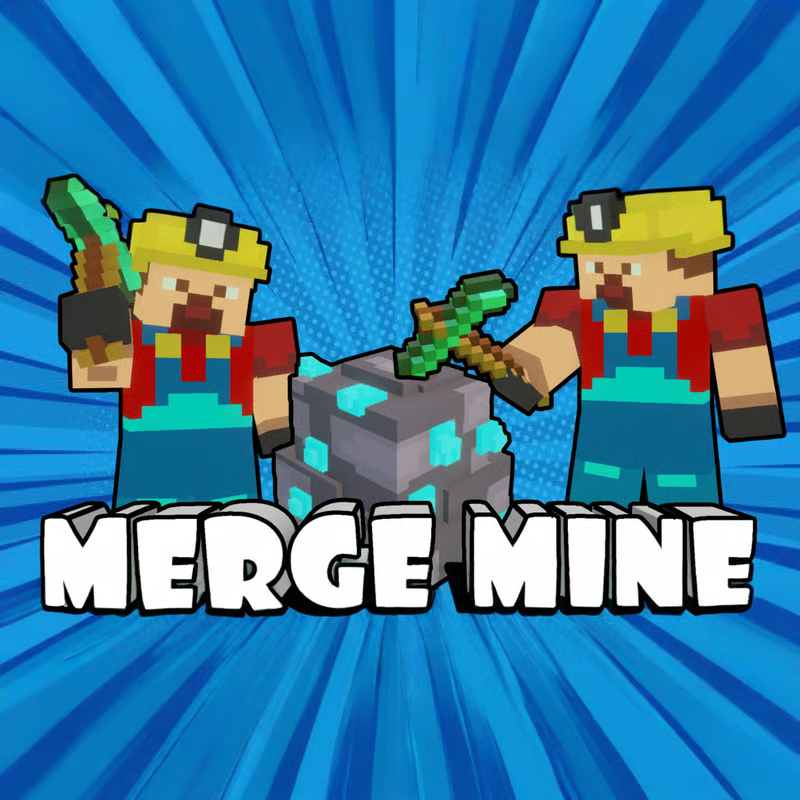
Merge Mine: Idle Clicker

Wedding Coloring Dress Up Game

Tap Reveal

DayCare Tycoon
Stickhole.io

Obby Yard Sale
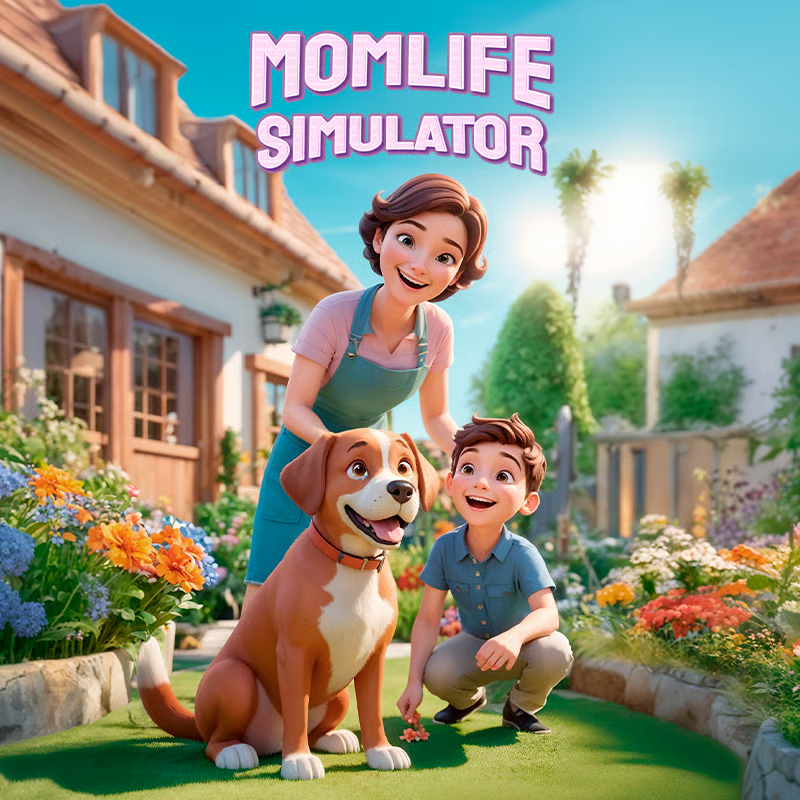
Momlife Simulator

Scoring Champion
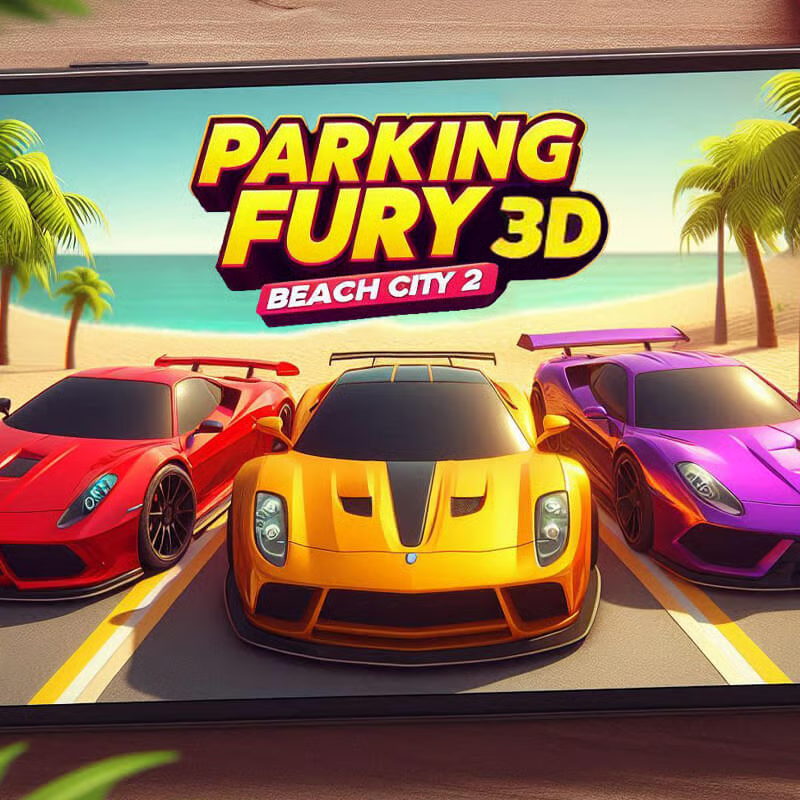
Parking Fury 3D: Beach City 2
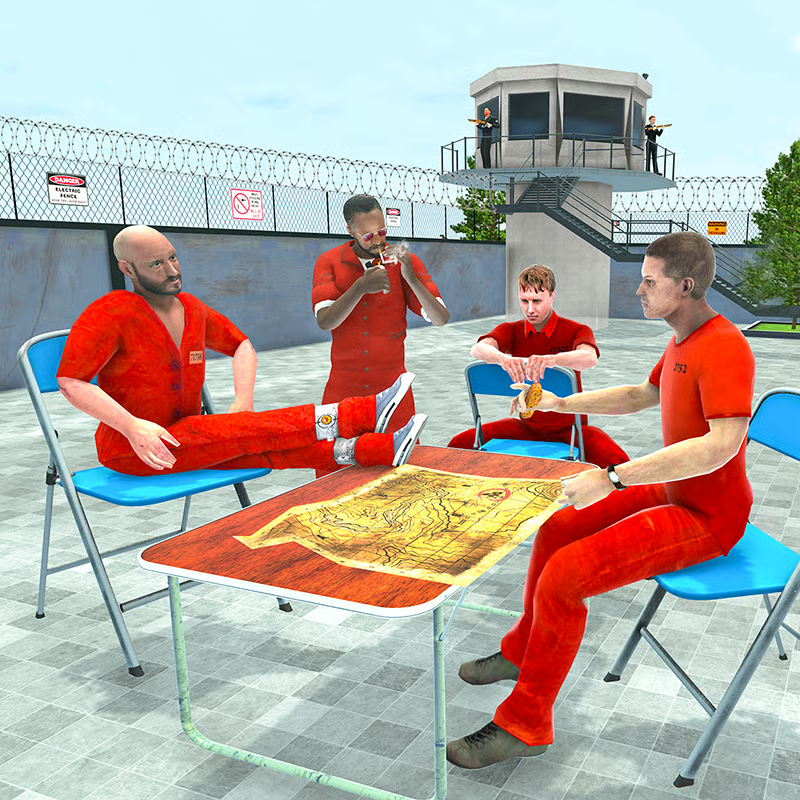
Alcatraz Prison Escape Plan

Find Differences: Spot 'Em All

Obby Challenge: Prison Run

Country Hopper

Loot Challenge

Looping Monsters
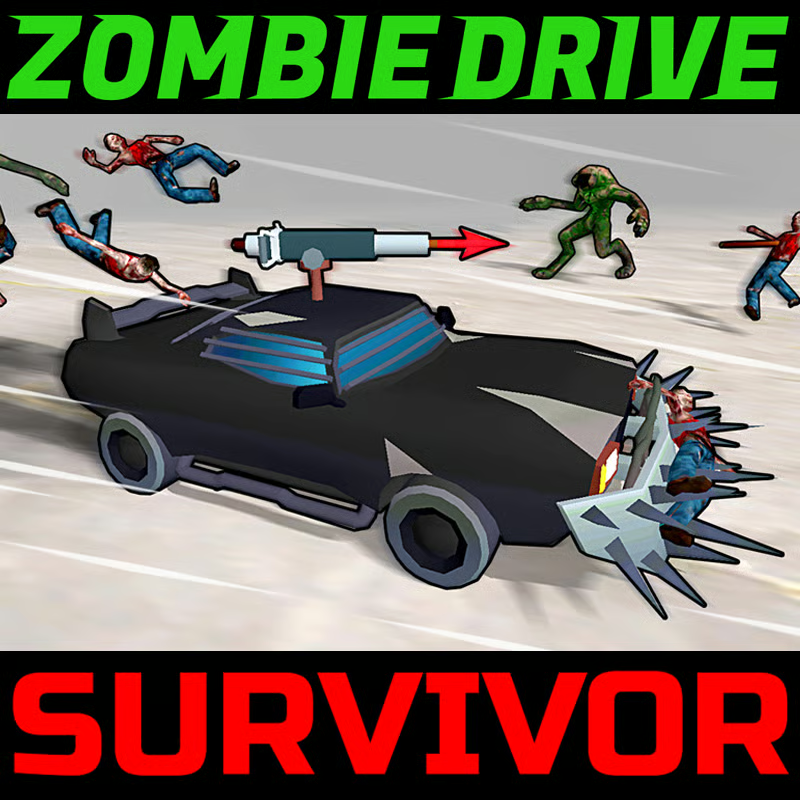
Zombie Drive Survivor
Zombie Drive Survivor – Crush the Undead, Upgrade Your Ride, Survive the Apocalypse 🚗🧟♂️
If you’ve ever wished you could plow through hordes of zombies in a heavily armed car, Zombie Drive Survivor is exactly that power fantasy turned into an action-packed game. You’re not just running away from the undead – you’re driving straight into them, smashing, blasting, and burning everything that gets in your way while trying not to let your car get destroyed in the chaos.
This is a high-energy zombie driving action game where every second on the road counts. You’re constantly making split-second decisions: do you ram that zombie for extra experience, or steer away to protect your car’s remaining health? Do you spend your new level-up on more firepower, or boost your survivability so you can handle the next huge wave?
As you play, you’ll unlock new cars, stronger weapons, and different ways to fight zombies. From machine guns and shotguns to Molotov cocktails, rocket launchers, flamethrowers, harpoons, mines, and deadly traps, your car becomes a moving war machine. Whether you just want a fun driving game with zombies or a more intense survival challenge, Zombie Drive Survivor gives you both a casual “jump in and play” feel and serious “one more try!” replay value.
Below is a full breakdown of how the game works, how to improve quickly, and what makes it so addictive for zombie and car game fans alike.
What Is Zombie Drive Survivor?
Zombie Drive Survivor is an action game where you drive a powerful car through arenas swarming with zombies and hostile vehicles. Your main goals are simple:
-
Crush zombies by ramming into them or blasting them with weapons
-
Avoid taking too much damage so your car doesn’t burn and explode
-
Collect experience dropped by defeated zombies to level up
-
Choose new weapons and upgrades as you level
-
Earn coins to unlock stronger cars and more destructive weapons
Each run turns into a mini survival story: you start with a basic setup, then gradually grow stronger as you pick upgrades, unlock new gear, and learn to handle different zombie types and enemy cars.
There are two main modes you can enjoy:
-
Level Mode – structured stages where you can practice, experiment, and progress step by step
-
Endless Mode – a pure survival challenge where wave after wave of zombies comes for you until you finally fall
Whether you like relaxed progression or intense score-chasing, there’s something here for every type of action fan.
Core Gameplay – Drive, Smash, Survive 💥
At its heart, Zombie Drive Survivor has a straightforward loop, which makes it easy to learn but surprisingly deep once you start optimizing your runs.
Simple Controls, High Intensity
You control a car in top-down or isometric style (depending on the implementation), steering around the map while zombies rush toward you. Your job is to:
-
Move smartly to avoid getting surrounded
-
Hit zombies at the right angle so you crush them safely
-
Keep an eye on your damage bar, because your car can only take so much punishment
Even if the controls are simple, the pressure builds quickly. As waves grow larger and more dangerous, your driving skill becomes just as important as your weapon choices.
Crushing Zombies and Managing Damage
Every time you slam into zombies or enemy vehicles, there’s a trade-off:
-
You get kills and experience, pushing your level higher
-
But you also risk increasing your car’s damage level
If your car’s damage reaches the limit, it will be destroyed and burned down, ending your run. That tension makes every decision on the road meaningful. You’ll constantly weigh:
-
“Can I hit this cluster safely?”
-
“Should I rely more on weapons instead of direct rams?”
-
“Do I need more defensive upgrades this level-up?”
Leveling Up and Getting Stronger ⚙️
As you mow down zombies, they drop experience orbs. Collect enough, and you level up mid-run. Each level lets you:
-
Improve your weapons
-
Boost your survivability
-
Enhance your damage output
-
Add new tools to your car
This is where your playstyle really takes shape. You might become:
-
A high-speed rammer, focused on health and collision damage
-
A ranged destroyer, relying on guns, rockets, and flamethrowers
-
A trap master, filling the battlefield with mines and gadgets
No two runs need to be exactly the same, which keeps the game feeling fresh.
Coins, Cars, and Long-Term Progress
Outside of each individual run, you’ll earn coins. These can be used to:
-
Unlock new cars with better stats or special advantages
-
Discover more powerful weapons
-
Experiment with different loadouts and combinations
This long-term progression is what keeps you coming back. Even a “bad” run usually still gives you something: more coins, more experience, or a better feel for a specific weapon or enemy type.
Weapons, Cars, and Carnage – Build Your Perfect Zombie-Killing Machine 🔫🔥
One of the most satisfying parts of Zombie Drive Survivor is turning your car into a rolling arsenal. As you progress, you’ll run into all kinds of offensive tools, including:
-
Machine guns that constantly pepper zombies from a distance
-
Shotguns that blast close-range enemies into pieces
-
Rams that make your front bumper a deadly weapon
-
Molotov cocktails that create fiery zones to burn crowds
-
Rocket launchers for high-impact explosions against big packs
-
Flamethrowers that spray a stream of fire as you drive
-
Harpoons that stab or drag enemies
-
Mines and traps you drop behind you to punish anything that follows
The fun comes from mixing these tools into a build that fits your style. For example:
-
You might combine rams + mines for a heavy-contact build that dominates close range.
-
Or focus on machine guns + rockets + flamethrowers for a “keep them at a distance” strategy.
-
Or blend Molotovs + shotguns to control space and blast anything that survives the fire.
Different cars also change the feel of your runs. Some may be tougher and slower, others lighter and faster. As you unlock more vehicles, you’ll find favorites that work best for different modes or challenges.
Game Modes – Level Mode vs Endless Mode 🧟♀️
Zombie Drive Survivor gives you two ways to play, each with its own vibe.
Level Mode – Practice, Learn, and Progress
In Level Mode, you tackle structured stages. This mode is perfect if you:
-
Want to learn the basics without huge pressure
-
Prefer shorter sessions where you can complete specific goals
-
Like feeling a sense of steady progression through clearly designed levels
Here, you can experiment with:
-
Different weapons and upgrade paths
-
How to deal with new zombie types as they’re introduced
-
Smart driving routes and safer ways to gather experience
It’s a great way to get comfortable if you’re new to zombie driving games or just want a more relaxed experience.
Endless Mode – How Long Can You Survive? ♾️
Endless Mode is for players who love a challenge. There are no fixed stages here – just wave after wave of zombies and enemy cars trying to tear your vehicle apart.
This mode is all about:
-
Surviving as long as possible
-
Pushing your high score or longest survival time
-
Learning to handle extreme pressure when the arena fills up
Everything you learned in Level Mode pays off here. Good driving, strong builds, and quick decisions are mandatory once the waves get intense.
Beginner Tips – How to Survive Your First Runs 🧠
If you’re just getting started with Zombie Drive Survivor, here are some practical tips to keep your car alive longer and earn more coins and experience:
-
Keep Moving, Always
Standing still is the fastest way to get surrounded. Even if you’re just circling the arena, staying mobile keeps you safer and makes it easier to line up good hits. -
Use the Edges Wisely
The edges of the map can be both safe and dangerous. They help funnel zombies into predictable lines, but they also give you less room to escape. Hug the outer area, but always leave an exit route. -
Don’t Over-Ram Early
It’s tempting to smash everything with your car from the start, but early on your vehicle is fragile. Let your weapons do some of the work while you pick safer collisions. -
Prioritize Experience Orbs
Leveling up is how you become truly powerful. When it’s safe, drive through clusters of dropped experience to keep your level climbing quickly. -
Pick Synergistic Upgrades
Don’t just grab random upgrades. If you started with a strong close-range weapon like a shotgun or ram, consider also picking health or armor boosts so you can survive up close. If you lean toward long-range weapons, aim for damage and fire rate. -
Know When to Retreat
If you see a thick cluster of zombies or multiple enemy cars approaching from the same direction, back off and circle around. It’s better to take a longer route than risk getting boxed in. -
Experiment with Different Cars
As soon as you have enough coins, try another car. Some models may suddenly make the game feel much easier or more fun for your preferred style.
Advanced Strategies – For Endless Mode and High Waves ⚡
Once you’re comfortable surviving the early game, try these more advanced ideas to push your runs further:
-
Control the Flow of Enemies
Think of the zombies like a river chasing behind you. If you constantly circle in one direction, you’ll gather them into a train, making it easier to drop mines or lead them into your fire and explosions. -
Create Kill Zones
If you’re using Molotovs, mines, or traps, try to bait zombies into specific areas over and over. Lay down your traps along commonly used routes and repeatedly drag enemy hordes through them. -
Balance Offense and Defense
Pure damage is useless if you blow up in two hits. Try to keep at least one or two defensive upgrades (more health, armor, or reduced damage) in your build so you can survive mistakes in the late game. -
Focus High-Threat Targets First
Some zombie types or enemy cars may hit harder or move faster than others. Once you recognize them, shift your attention to eliminating them early before they cause chaos in your formation. -
Watch Your Damage Bar Like a Hawk
During crowded moments it’s easy to lose track of how hurt your car is. Get into the habit of glancing at it regularly. If you’re dangerously low, play safer, use more ranged tools, and avoid risky ramming until you get the situation under control. -
Adapt Mid-Run
If a run starts with great crowd control tools, lean into that with extra range and area-of-effect damage. If you find yourself with strong single-target weapons, focus more on avoiding big swarms and thinning them from the edges.
Why Zombie Drive Survivor Is So Addictive 🎮
Zombie Drive Survivor works well for both short and long sessions, which is part of what makes it so easy to come back to:
-
You can jump in for a quick Level Mode run when you just want a few minutes of fun.
-
Or sink time into Endless Mode, trying to beat your best survival time and perfect your build.
For fans of:
-
Zombie survival games
-
Top-down action shooters
-
Car combat and driving games
-
Or just destructive, over-the-top fun
…this game hits a sweet spot. The mix of driving skill, build choices, and constant pressure keeps the adrenaline flowing 🌟
FAQ – Common Questions About Zombie Drive Survivor ❓
Q: What kind of game is Zombie Drive Survivor?
A: It’s an action-packed zombie driving and survival game where you control a car in arenas full of zombies and enemy vehicles. You crush enemies, use weapons mounted on your car, collect experience to level up, and earn coins to unlock stronger cars and equipment.
Q: Is it easy to learn for new players?
A: Yes. The basic controls are simple and intuitive, especially if you’re familiar with driving or top-down action games. You can start having fun quickly in Level Mode, then gradually learn deeper strategies for Endless Mode.
Q: What happens if my car takes too much damage?
A: When your damage bar fills up, your car will be heavily damaged and eventually burns down, ending the run. That’s why managing collisions and choosing defensive upgrades is so important.
Q: How do I get stronger over time?
A: During each run, you collect experience from defeated zombies, which lets you level up and pick upgrades. Across multiple runs, you earn coins that you can use to unlock new cars and weapons, giving you even more power and options in future sessions.
Q: What’s the difference between Level Mode and Endless Mode?
A:
-
Level Mode offers structured stages that are great for practice, learning enemy patterns, and enjoying a more relaxed pace.
-
Endless Mode throws wave after wave of zombies at you until you’re finally overwhelmed, making it perfect for high-score chasing and intense survival gameplay.
Q: Are there different zombie and enemy types?
A: Yes. You’ll face many different types of zombies and enemy cars, each with their own behavior and threat level. Some might be slow but tanky, others fast and fragile, and enemy cars add another layer of danger by ramming or blocking you.
Q: What kind of weapons can I use?
A: There’s a wide variety of weapons to discover, such as machine guns, shotguns, rams, Molotov cocktails, rocket launchers, flamethrowers, harpoons, mines, and traps. Part of the fun is experimenting with combinations that fit your preferred playstyle.
Q: Is this game more about driving or shooting?
A: It’s really a blend of both. Driving skill is essential to avoid damage and handle big waves, while smart weapon choices and upgrades are what give you the firepower to survive later waves and tougher enemy types.
Q: Who will enjoy Zombie Drive Survivor the most?
A: Anyone who loves fast-paced action, zombie games, or car combat will likely have a great time. It’s especially fun if you enjoy experimenting with different builds, chasing higher scores, and turning your car into the ultimate zombie-slaying machine.
Whether you’re here for the thrill of smashing through undead crowds, the satisfaction of building up a powerful car, or the challenge of surviving endless waves of enemies, Zombie Drive Survivor delivers a fun, chaotic, and surprisingly strategic experience. Buckle up, start your engine, and get ready to carve your own path through the apocalypse 🚗💀🔥
🎮How to Play
Controls
PC Controls
- W / up arrow key = accelerate
- S / down arrow key = move backward
- A / left arrow key = turn left
- D / right arrow key = turn right
- Space = handbrake
- 1 = choose to take the left upgrade
- 2 = choose to take the right upgrade
- 3 = choose to take both upgrades
Mobile Controls
- Switch toggle between D / R = move forward / backward
- Tap on the left screen = turn left
- Tap on the right screen = turn right
(In mobile mode, the car accelerates automatically.)