

Doors Castle

Obby World: Squid Escape
PlayBlox.io

Obby: Ragdoll Boxing

Obby Parkour Race: Multiplayer

Race Clicker: Tap Tap Game

Obby Challenge: Prison Run

Obby Sprunki: Pet World

Fortzone Battle Royale

Bank Heist

Vehicle Masters

Crazy Plane Landing

House of Celestina
Sharkosaurus Rampage
Obby: Pull a Sword

Cricket Superstar League

Sunset Bike Racing

Fisherman Life
Shape Shooter 3
Money Factory

Mini-Caps: Arena

Chibi Doll Dress Up & Coloring
Stickman Project
Obby: Boxer
Stickhole.io

Parking Fury 3D: Beach City 2

Scoring Champion

Boom Cell

Button Defense Clicker
Zombie Drive Survivor

Sushi Break Dash
Money Tree 2: Cash Grow Game

CoinBlock Clicker

War Sea

Mega Parkour: Obby Escape Run

Lunar Knight

Space Rescue

Mad Royale Tactics

Forest Dump
Cubic Frontier: Zombie Robby

Fly Me Hard

Momlife Simulator
Don't Get the Job

Eternal Siege

Hacking Hero: Hacker Clicker

Noob: Zombie Prison Escape

Make Up Hole

Sky Car Drift

Drift Arena

Evil Neighbor

Hill Racing

Project Prismatic
Coloring by Numbers: Pixel House
Nuts and Bolts Brainteasers

Loot Challenge

Sniper Master
Number Digger

Diver Hero

Senya and Oscar vs Zombies

Uncle Hit: Punch the Dummy

Fireman 2024

Scavenger Hunt - Multiplayer

Sniper Attack 3D: Shooting War
Alcatraz Prison Escape Plan
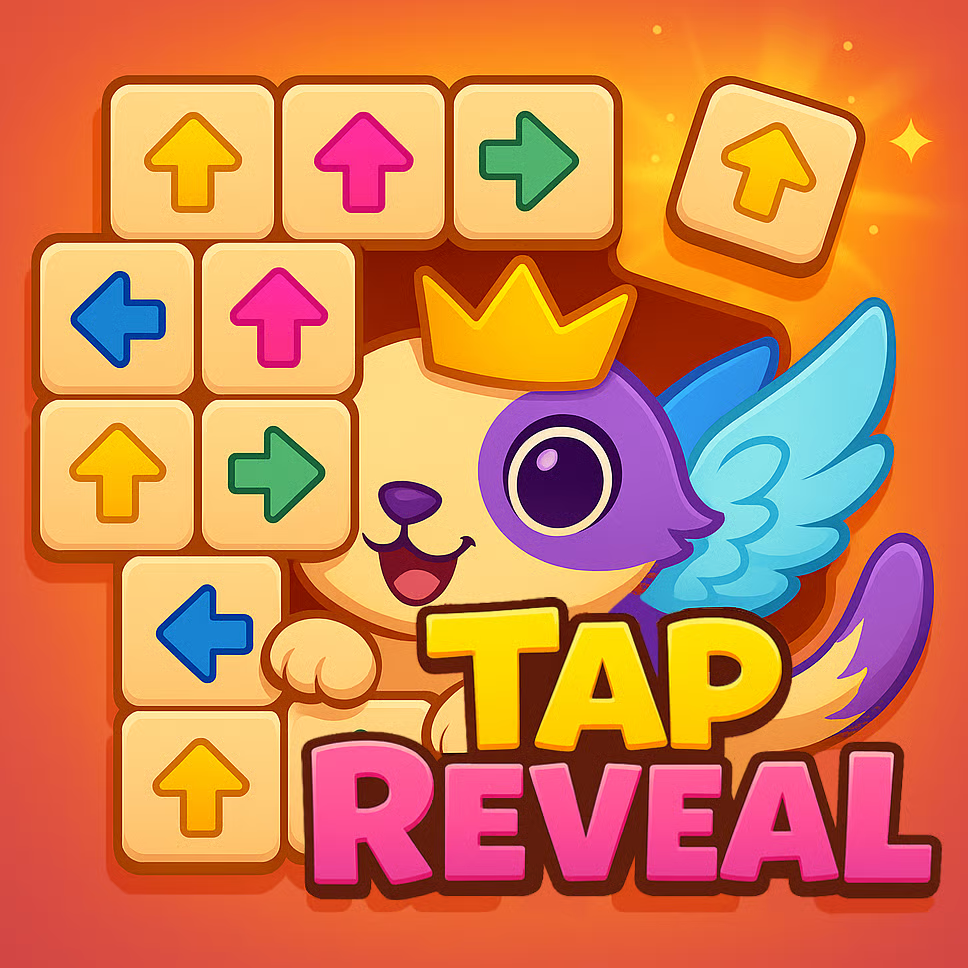
Tap Reveal
TAP REVEAL — Relaxing Logic Puzzle Game to Uncover Hidden Pictures by Tapping Blocks
Tap Reveal is a casual puzzle game that blends calming gameplay with satisfying logic challenges. You tap away colorful blocks to gradually uncover hidden images beneath, turning every level into a visual mystery and a rewarding brain teaser. It’s the kind of relaxing puzzle game you can play for a few minutes to unwind, yet it still offers enough depth to keep your reasoning skills engaged. If you enjoy logic puzzles, picture-reveal games, and stress-relief mechanics that feel smooth and addictive, Tap Reveal delivers a steady sense of progress with every tap.
Gameplay: How Tap Reveal Works
Each Tap Reveal puzzle begins with a layered arrangement of bright blocks covering a hidden image. Your task is to remove blocks by tapping—usually under rules that require attention to color, order, or accessibility. As the stack clears, the picture underneath slowly comes into view, and that reveal becomes the payoff for solving the puzzle efficiently.
What makes Tap Reveal feel especially satisfying is how it balances simplicity and strategy. The controls are easy: tap blocks to remove them. The challenge comes from choosing the right blocks in the right sequence. Some moves create better openings; others can leave you with awkward leftover pieces. This creates a gentle but real logic problem, where planning a few steps ahead leads to smoother clears and fewer stalls.
Because each level is a unique brain teaser, the game stays fresh. You’re not repeating the same pattern aren’t just matching colors—you're reading the structure of the block layout, spotting which layers will unlock the most progress, and managing the puzzle in a way that keeps you moving forward. The gradual image reveal also makes it a great “cozy” puzzle experience: you can feel yourself getting closer to the solution every time you clear a layer.
Tap Reveal is ideal for:
-
Players who love relaxing mobile-style puzzles in a quick online format
-
Fans of logic-based block puzzles with visual rewards
-
Anyone who wants a stress-free brain game for daily mental exercise
-
Puzzle lovers who enjoy satisfying progression and “reveal” moments
Tips and Tricks: Solve Faster, Get Stuck Less, Enjoy More Progress
Tap Reveal rewards calm observation more than speed-tapping. These strategies help you clear levels more consistently:
-
Scan the layers before you tap. Look at which blocks are on top, which are locked behind others, and where the biggest openings are. A quick overview prevents early mistakes.
-
Clear in a way that creates space. Removing blocks that unlock multiple new options is often better than removing a random visible block. In layered puzzles, space equals freedom.
-
Group decisions by color when possible. If the puzzle’s rule set benefits clearing certain colors in sequence, prioritize that. It reduces clutter and makes the board easier to read.
-
Avoid leaving “isolated leftovers.” Single blocks trapped under layers are common reasons players stall. When you see a block that could become isolated, plan to remove or free it earlier.
-
Use the reveal as a progress guide. The image underneath isn’t just decoration—watch how close you are to clearing a section and focus your taps to open that area.
-
Slow down when the board gets dense. The hardest moments often happen mid-level. A few careful taps can prevent a chain of bad choices.
-
Think in small sequences. You don’t need to solve the whole puzzle at once. Plan three to five taps ahead, then reassess as the layout changes.
FAQ
What type of game is Tap Reveal?
Tap Reveal is a casual logic puzzle game where you tap away colorful blocks to uncover hidden images beneath.
Is Tap Reveal relaxing or challenging?
It’s both: the mechanics are stress-relieving and calming, while each level still tests reasoning and planning.
Do the puzzles repeat?
Levels are designed as unique brain teasers with variety in layouts and patterns, keeping gameplay fresh.
How do I avoid getting stuck?
Focus on clearing blocks that open more options, avoid creating isolated leftovers, and scan the top layers before committing to a sequence.
Is Tap Reveal good for kids and adults?
Yes. The concept is easy to understand, but the logic depth makes it enjoyable for puzzle lovers of many ages.
Why is the image reveal so satisfying?
Because it turns puzzle progress into a visible reward. Each cleared layer makes the final picture feel earned, not random.
For Every Player Intent: Why People Play Tap Reveal
-
To relax after work or school: Tap Reveal’s stress-relief tapping and gentle pacing make it a great unwind game.
-
To sharpen logic skills: The layered block structure encourages planning, sequencing, and spatial reasoning.
-
To enjoy a picture-reveal puzzle: The hidden image mechanic gives every level a clear purpose and a satisfying finish.
-
To play a quick brain game daily: Short sessions still feel meaningful because progress is visible with every layer removed.
-
To find an addictive casual puzzle: Easy controls plus “just one more puzzle” progression makes it highly replayable.
-
To avoid high-pressure competition: This is a calm, personal challenge focused on reasoning and steady improvement.
Tap Reveal is the perfect blend of cozy puzzle vibes and genuine logic challenges. You’ll tap away colorful blocks, watch hidden artwork emerge, and feel a steady sense of accomplishment as each brain teaser clicks into place. If you’re searching for a relaxing logic puzzle game with satisfying picture reveals, endless variety, and stress-free gameplay that still exercises your mind, Tap Reveal is an easy game to love—and a hard game to put down.
🎮How to Play
Controls
PC Controls
- Left-click on the arrow = move the arrow based on its direction
- Drag left-click = move camera view
- Scroll mouse wheel / click on the zoom buttons = zoom in / out
Mobile Controls
- Tap on the arrow = move the arrow based on its direction
- Hold finger on screen and move = move camera view
- Pinch with two fingers / tap the zoom buttons = zoom in / out.